При поддержкеПрограмма Vercel OSS

Beautiful images. Zero effort.
Screenshots, ready to ship.

The free browser editor that makes your screenshots, tweets, and code look professional. Browser mockups, 3D effects, and more.

Screenshot Studio
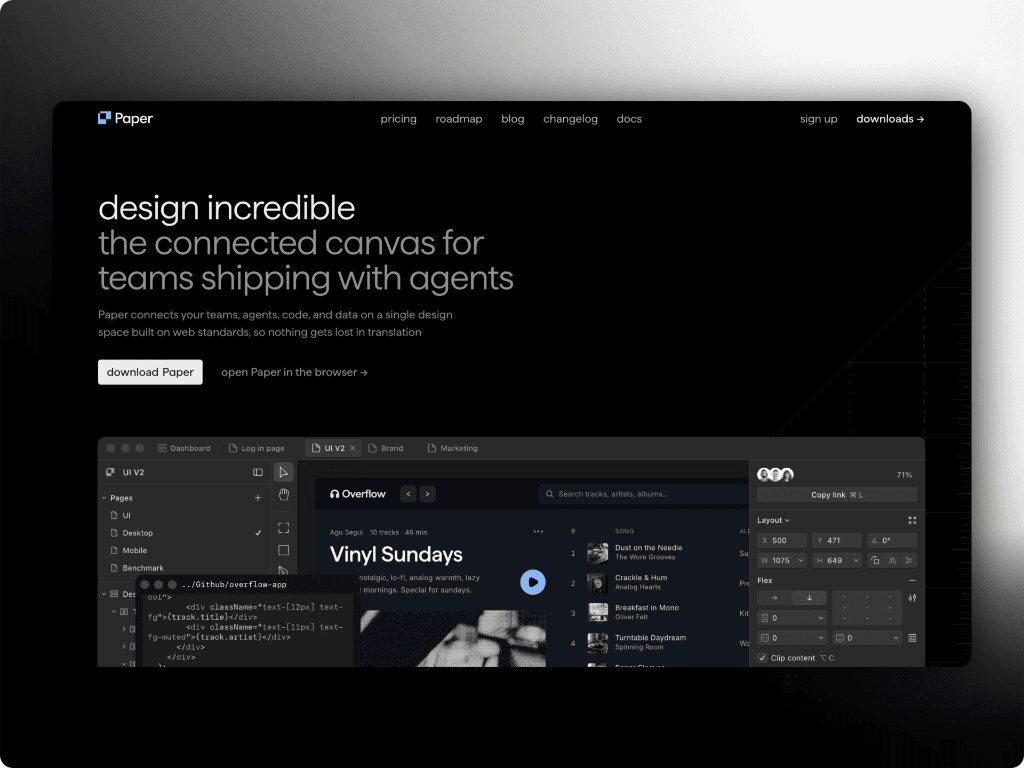
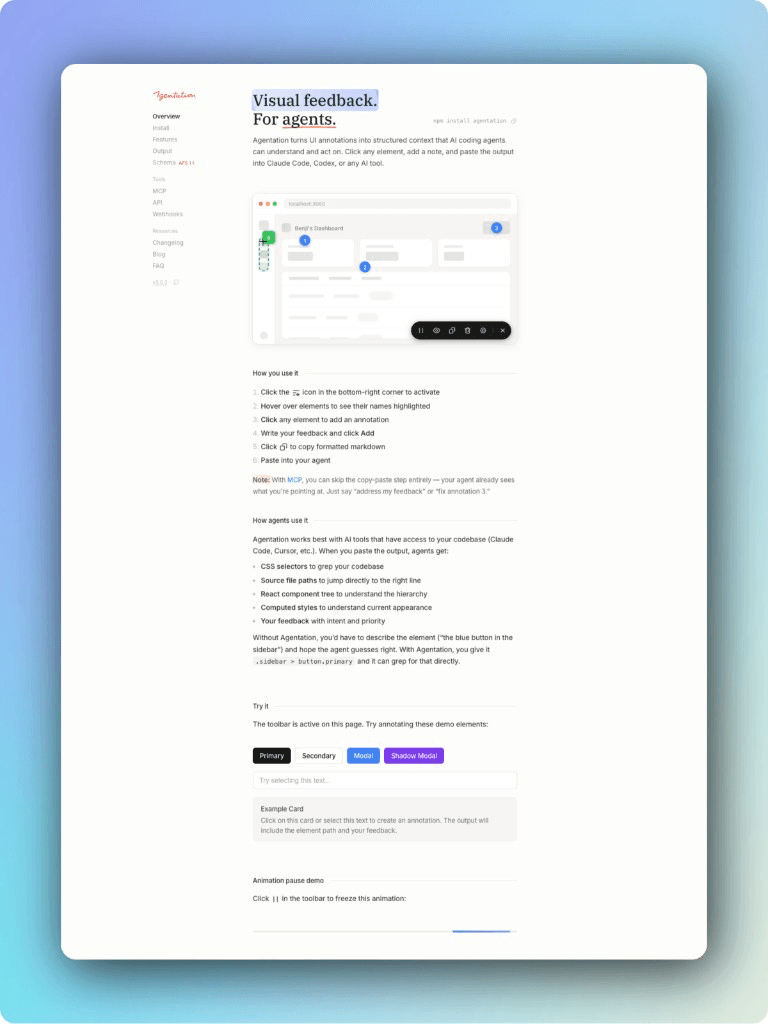
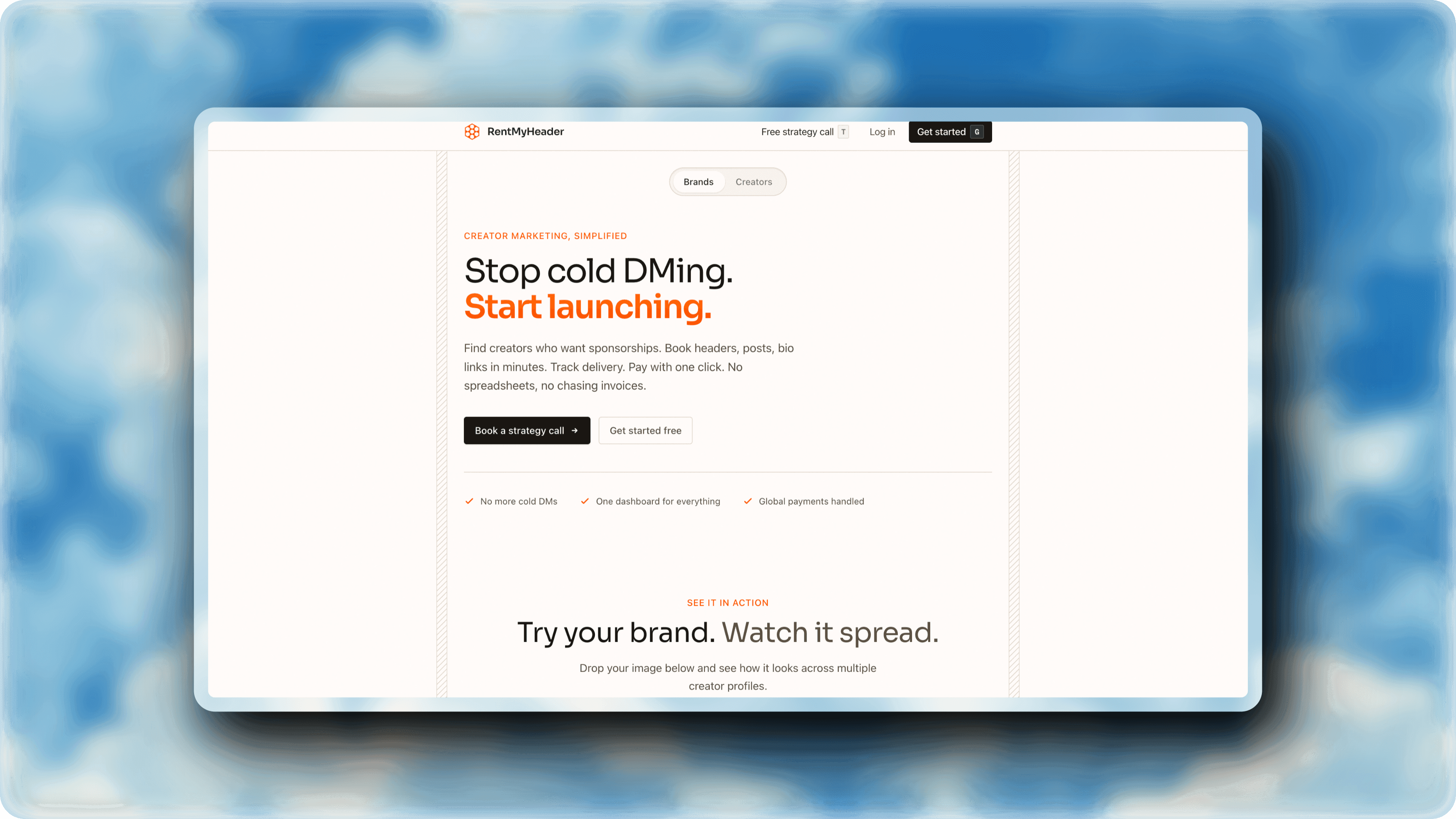
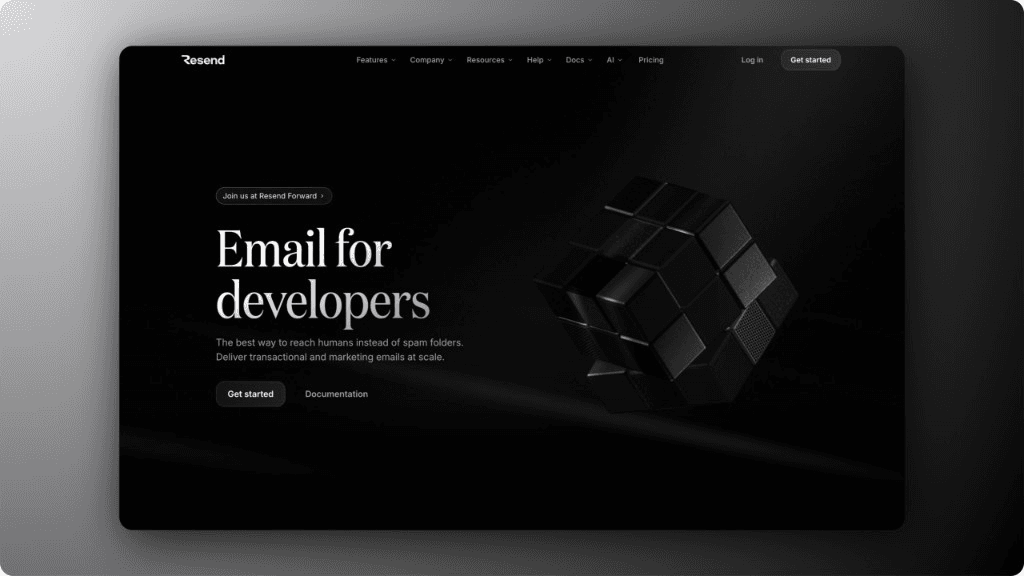
Пример скриншота в предварительном просмотре редактора

Студия скриншотов?

Screenshot Studio — это бесплатный редактор снимков экрана с открытым исходным кодом, который полностью работает в вашем браузере. Он превращает необработанные снимки в изображения, которые вы можете опубликовать. Никакой регистрации, никаких водяных знаков, ничего устанавливать.

Добавьте скриншот, твит или фрагмент кода. Добавьте рамку Safari или Chrome, градиентный фон, трехмерную перспективу и анимацию. Экспортируйте PNG, JPG или видео для социальных сетей, документов и колод.

Все, что вам нужно.
Ничего такого, чего бы ты не делал.

Рамки

Рамки устройства

macOS, Windows, Arc и т. д.

Глубина

3D-преобразования

Более 30 пресетов перспективы с реалистичным наклоном.

Стиль

Красивые Фоны

250+ gradients, solids, images, blur, and noise. One click polish.

Движение

Анимация и видео

40+ presets plus a timeline editor. Export MP4, WebM, or GIF.

Захватывать

Твиты и фрагменты кода

Вставьте URL-адрес твита или сбросьте код.

Экспорт

Экспорт в высоком разрешении

PNG или JPG до 5×.

Оставьте свое изображение

Чтобы начать, перетащите любой снимок экрана или фотографию в редактор.

Стиль Это

Добавляйте фон, тени, рамки и текст за несколько кликов.

Экспорт

Загрузите идеальное изображение, которым можно поделиться за считанные секунды.

Creators Love Screenshot Studio

Общий
Questions.

Краткие ответы о Screenshot Studio, экспорте и о том, как он работает в вашем браузере.

Screenshot Studio is a free, browser-based screenshot editor that turns plain screenshots into professional graphics. It offers 250+ backgrounds, Safari and Chrome browser mockups, 3D perspective effects, an animation timeline with 43 presets, and video export. It is open source under Apache 2.0, with no signup, no download, and no watermark.
Yes. Screenshot Studio is 100% free with no hidden costs. Unlimited exports, all features, no watermarks. No signup required.
No. Just open the editor and start creating. Your work saves automatically in your browser with unlimited undo/redo.
Yes. Screenshot Studio runs entirely in your browser, so there is nothing to download and nothing to install. Open the editor and start adding backgrounds, shadows, frames, and 3D effects to your screenshots straight away.
Safari and Chrome browser mockups plus Arc, macOS, and Windows window frames, each in light and dark, and Polaroid, glass, outline, and border image frames, plus 3D perspective transforms and customizable shadows with blur, spread, and color controls.
Still images export as PNG, JPEG, and WebP, and animations export as MP4, WebM, and GIF. Export up to 5x resolution, and PNG keeps transparency.
Yes. The timeline editor ships 43 animation presets covering zoom, pan, rotate, and 3D perspective moves. Add keyframes, preview in real time, and export as MP4, WebM, and GIF.
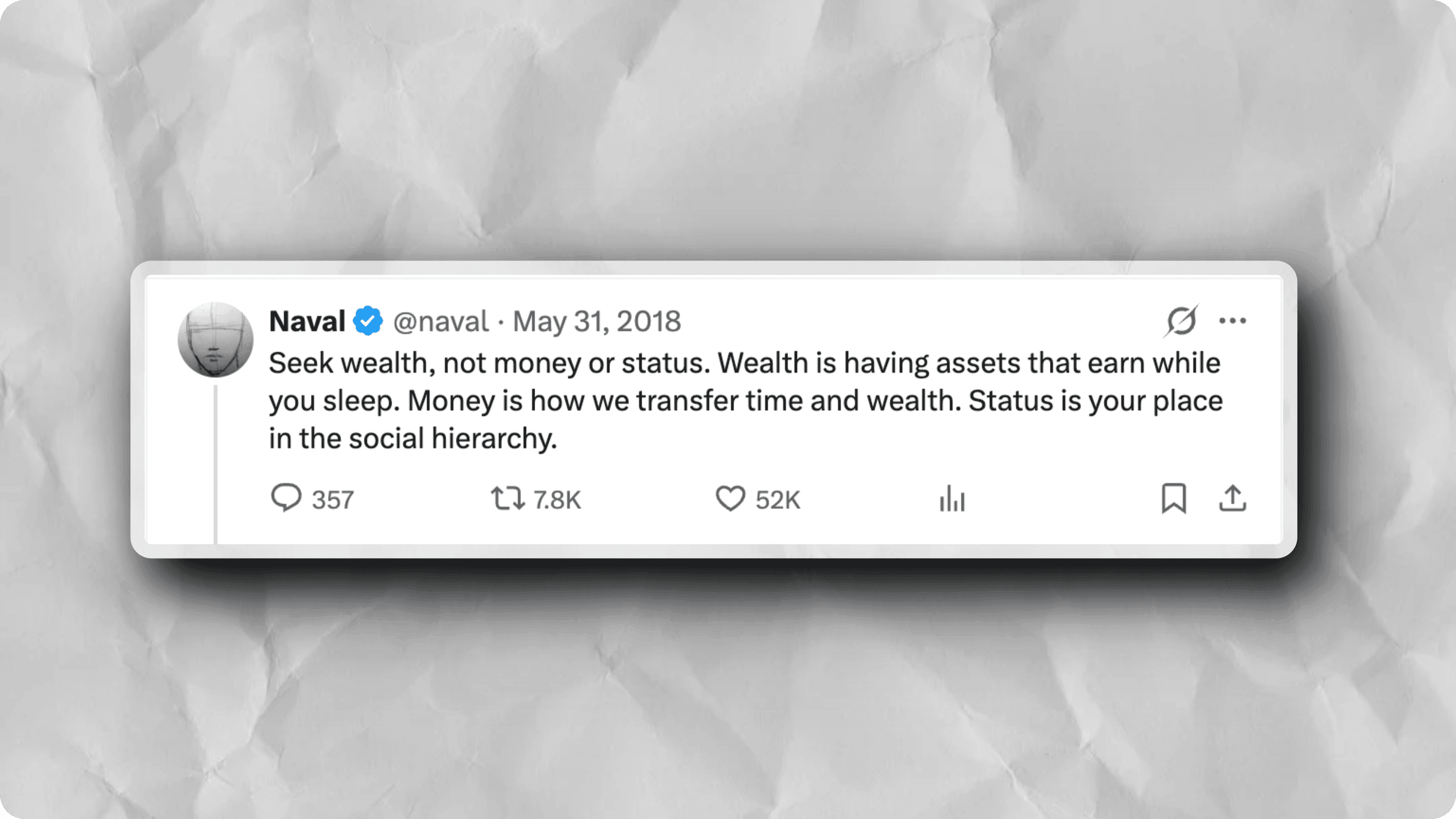
Yes. Paste a tweet URL to capture it as a high-resolution image in light or dark theme. The code snippet generator supports 14 syntax themes, 20 programming languages, and 10 monospace fonts.
It is purpose-built for making screenshots presentable rather than for general image editing: one-click design presets, 250+ backgrounds, 17 device mockups, 3D perspective transforms, an animation timeline, and video export. All of it is free, watermark-free, and needs no account.
No. Editing runs in your browser and imported images are not uploaded to edit them. Only export compression sends the finished image to the server, which recompresses it in memory and returns it without storing it.

Готовы творить?

Присоединяйтесь к тысячам авторов, создающих прекрасные изображения.

Get Started